Create Your First Environment
Environments in Devgraph are isolated namespaces for your infrastructure data. Each environment has its own ontology, users, and configuration.
What is an Environment?
An Environment represents a separate instance of your infrastructure ontology. You might create environments for:
- Different organizations or teams
- Development, staging, and production
- Different projects or business units
Each environment has:
- Its own ontology
- Separate authentication and credentials
- Fully isolated entity data
Create an Environment
Environments may be created through the UI or the CLI. Each Subscription will grant entitlements to one or more Environments.
Upon successful Sign-up, you will be directed to create your first environment. Here you will provide a name, and, optionally, a list of email addresses for users you wish to invite.
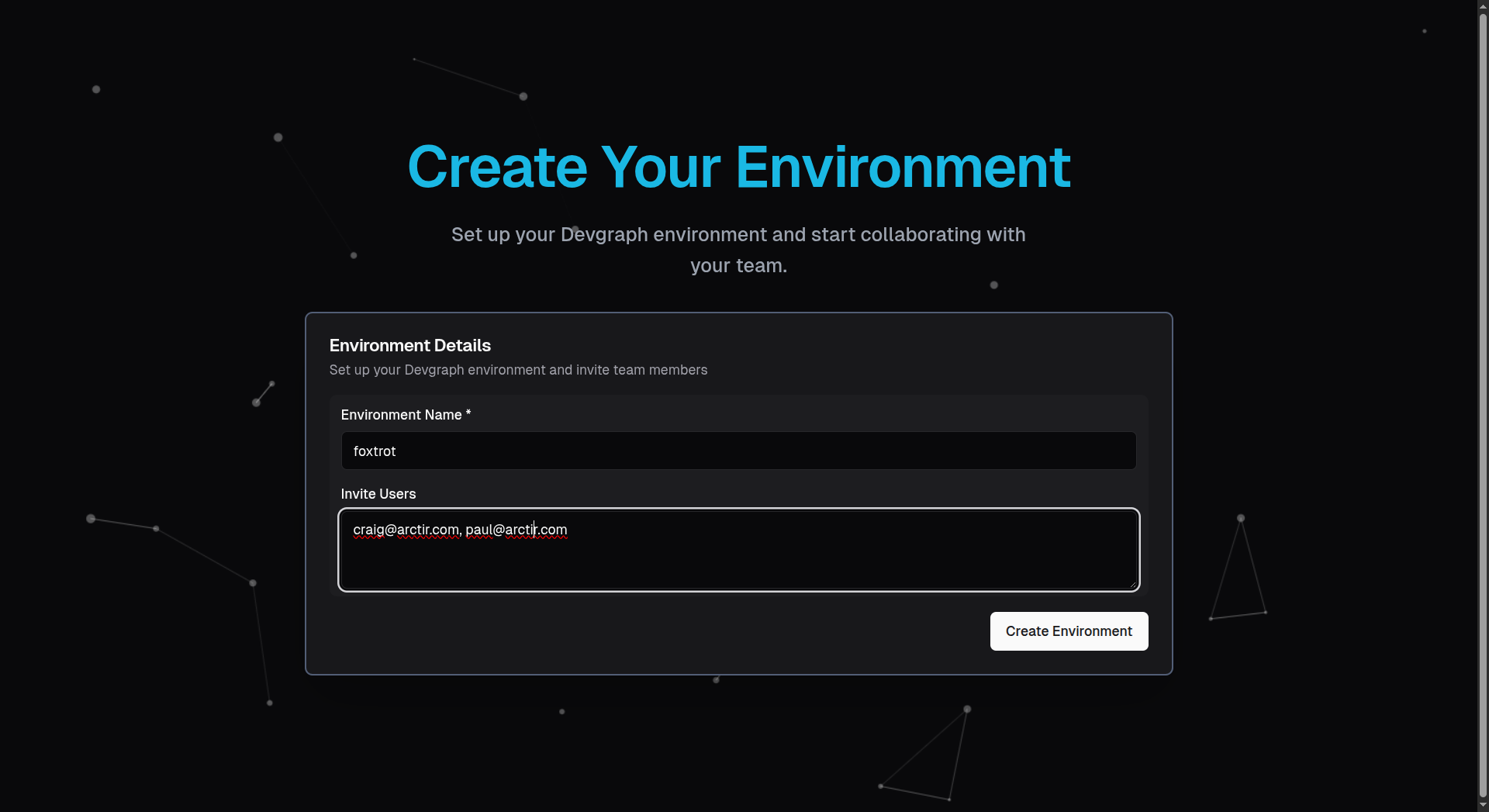
Once you have completed this step, you will be directed to the Devgraph Dashboard once your Environment's infrastructure has been created and initialized.
Selecting an Environment
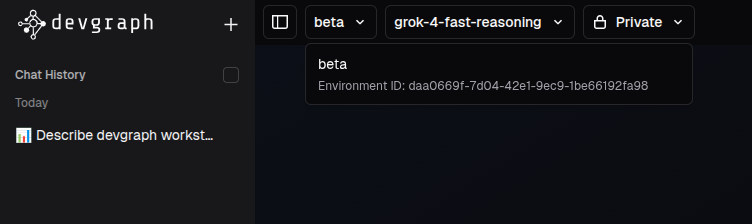
If you have more than one Environment, you will be able to toggle between Environments using the drop down in the uppper left of the Dashboard. This selection will direct all aspects of your Dashboard session, including chat, Ontology visualization, as well as any Settings and Administration configuration.
Next Steps
Now that you have an environment set up: